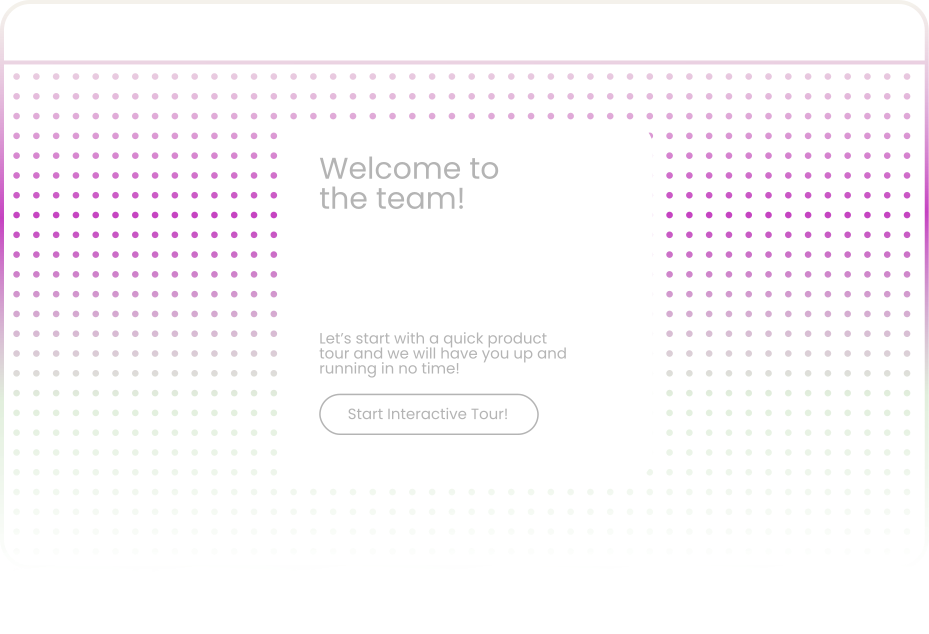
Stop Broadcasting to Everyone. Start Targeting the Right Users.

You launched an onboarding checklist. Completion rate: 23%. Not because it was bad — because it was the same checklist for everyone.

Segmentation divides your users into precise groups. New vs returning. Mobile vs desktop. Free vs paid. Then delivers each group the exact experience they need.

START YOUR FREE TRIAL

What Is User Segmentation?

User segmentation is the practice of grouping your users into defined audiences based on shared characteristics — who they are, where they're from, what they've done, and how they interact with your product. Instead of treating your entire user base as a single audience, segmentation lets you slice it into precise groups and tailor every touchpoint to match each group's context.

Without Segmentation:

Every time you launch a product tour, deploy a survey, or activate an onboarding checklist, you're broadcasting to an audience where a significant portion won't find it relevant.

With Segmentation:

You deliver precise experiences to the exact users who need them. New feature announcement? Only to Pro users who've used the feature it replaces. NPS survey? Only to users active for 30+ days.

Four Segment Types Built for Real-World Complexity

Most segmentation tools give you one dimension to work with — usually individual user attributes. That works for basic use cases. But the moment your product serves multiple account types, plan tiers, or organizational structures, single-dimension segmentation breaks down.

User Segments

Group individual users by their personal attributes and properties. This is the foundation of segmentation — the ability to target specific people based on who they are and how they've interacted with your product.

Use Case

Deliver a localized mobile onboarding experience that would be irrelevant for a desktop user in the US who's been active for six months.

Organization Segments

Journey analytics shows:

  • which sequences convert best
  • which pages leak traffic
  • which content drives deeper engagement

Use Case

An enterprise account with 200 seats needs a fundamentally different onboarding experience than a startup with three users.

Combined Segments

This is where segmentation gets genuinely powerful. Combined segments let you merge user-level and organization-level conditions using AND/OR logic — creating audiences that reflect the real-world complexity of your user base.

Use Case

Target composite audiences that are impossible to create with single-dimension tools — these drive the highest-impact personalization.

Analytics Segments

Behavior-based segmentation that groups users by what they've done inside your product — features used, actions completed, thresholds reached, patterns over time. Analytics segments close the gap between who users are and what they do.

Use Case

Enable targeting based on actual product engagement rather than static attributes alone.

Ready Out of the Box — Zero Configuration Required

You shouldn't need to spend your first day building basic audience lists. Uzera ships with four default segments that are active the moment you start tracking:

All Users

Your complete tracked user base, across every session, device, and traffic source.

Anonymous Users

Visitors who haven't signed up or logged in yet. These are your pre-conversion audience.

Identified Users

Logged-in, known users whose attributes and properties you can track and filter.

Conversion Users

Visitors who completed a conversion action.

Filter by Any Attribute Your Users Carry

The power of segmentation depends entirely on the depth of filters available. Uzera lets you build segments using real user and session data across five rich categories.

Device and Browser

Session counts climb month over month. The team celebrates growth. But trial signups, activation rates, and revenue remain flat.

Location

Session counts climb month over month. The team celebrates growth. But trial signups, activation rates, and revenue remain flat.

Session and Visit

Session counts climb month over month. The team celebrates growth. But trial signups, activation rates, and revenue remain flat.

Traffic Source

Session counts climb month over month. The team celebrates growth. But trial signups, activation rates, and revenue remain flat.

Commerce and Account

Session counts climb month over month. The team celebrates growth. But trial signups, activation rates, and revenue remain flat.
Flexible Condition Logic:Build Exactly the Audience You Need

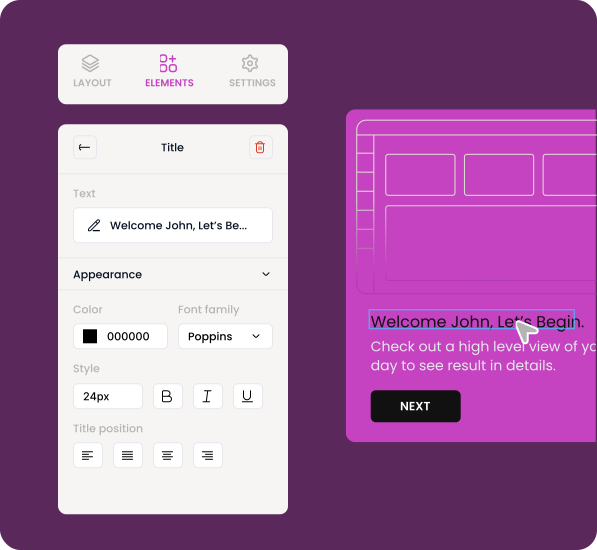
Attributes become powerful when you can combine them. Uzera's condition builder lets you chain multiple filters together using AND/OR logic to create audiences as broad or as narrow as your use case demands.

Simple Conditions
Straightforward targeting
Basic
Country is Germany
AND Logic
Narrows your audience with precision
Intermediate
Country is Germany AND device type is mobile AND first seen in last 7 days
Every condition must be true for a user to match the segment
OR Logic
Broadens your reach across related groups
Basic
Plan is Enterprise OR organization size is greater than 100
A user only needs to match one condition to qualify
Combined AND/OR Logic
Handles real-world complexity
Intermediate
(Country is Germany OR Country is Austria) AND (Plan is Pro AND device type is desktop)
Create sophisticated audiences that reflect actual user patterns

Every Saved Segment Becomes a Trigger

In most tools, segmentation lives in a reporting silo. You create segments, look at dashboards, and then manually decide what to do about it. In Uzera, every saved segment is directly connected to the experiences you deliver.

Product Tours

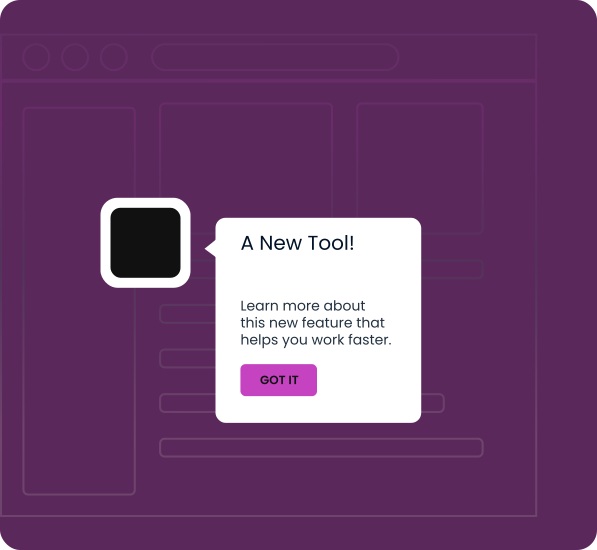
Launch targeted product tours that guide specific user segments through features relevant to their use case. A new user on mobile gets a simplified tour highlighting the three actions that matter most. An existing power user on desktop gets a tour focused on a newly shipped advanced feature they're likely to care about.

Impact

Segment-targeted product tours consistently outperform untargeted ones because they feel intentional rather than generic. Users don't see irrelevant steps. They don't see features that don't apply to their plan. They see a tour that feels like it was designed specifically for them — because it was.

Surveys

Trigger NPS surveys, CSAT questionnaires, and feature feedback forms for the right users at the right time. Send your satisfaction survey only to identified users who've been active for at least 30 days — not to someone who signed up yesterday and hasn't explored the product yet.

Impact

Survey response rates improve dramatically when the audience is relevant. A well-segmented survey targeting 500 qualified users will produce more useful insights than a blanket survey sent to 5,000 users where 80% of respondents have no context for the questions.

Onboarding Checklists

Deliver role-appropriate, plan-appropriate, and experience-appropriate onboarding sequences. A segment of "Identified users on the Enterprise plan who were first seen in the last 3 days" receives an onboarding checklist that includes admin setup, team invitation, and SSO configuration.

Impact

Same product. Different segments. Different onboarding. Better completion rates across the board.

Real Scenarios Where Segmentation Drives Measurable Results

Reducing Onboarding Drop-Off by Removing Irrelevance

The Challenge

A SaaS company noticed their onboarding checklist completion rate was stuck at 31%.
The checklist included steps for integrations, team setup, and admin configuration — steps that didn’t apply to the 60% of new signups who were individual users on the free plan.

The Discovery

Most users weren’t dropping off because the product was hard.


They were dropping off because the checklist showed tasks irrelevant to their role or plan

The Solution & Result

Using user and organization segments, the team split onboarding into three paths:

  • Solo free users
  • Team leads on paid plans
  • Enterprise admins

Each segment saw only the steps relevant to them. 31% → 58%
Onboarding completion nearly doubled because the experience finally matched the user.

Increasing Survey Response Rates by 3x

The Challenge

A product team sent an NPS survey to all active users.


The response rate was just 4%, and many answers lacked useful context.

The Discovery

Most recipients hadn’t used the product enough to provide meaningful feedback.
They were being asked for opinions before they had real product experience.

The Solution & Result

The team rebuilt their survey targeting using segmentation.

The NPS survey now triggers only for identified users who:

  • have been active for at least 14 days
  • Enterprise admins

4% → 13%

Response rates tripled, and the feedback became far more actionable.

Converting Anonymous Visitors Before They Leave

The Challenge

Anonymous visitors represented a large portion of traffic, but very few converted into signups.

Many visitors explored pricing but left before starting registration.

The Discovery

These visitors were already interested — they just needed one more push to understand the product’s value.

The Solution & Result

The team created a segment for: Anonymous users who visited the pricing page but didn’t reach the signup form.

They triggered a short product tour highlighting the three most-used features, ending with a clear call to sign up.

3% → 15%

A targeted experience converted hesitant visitors into new users.

How Segmentation Strengthens Your Entire Product Strategy

Segmentation isn't just a targeting feature. It's a strategic layer that makes every other part of your product experience more effective.

Step 1

Product tours become relevant

They only appear for users who will benefit from the guidance. No more dismissing popups for features you already know.

Step 2

Surveys become trustworthy

They reach users with the context to answer meaningfully. Your feedback data reflects real user sentiment, not noise from disengaged visitors.

Step 3

Checklists become completable

They only include steps that match the user's role, plan, and maturity. Completion rates improve because the task list feels achievable rather than overwhelming.

Step 4

Your data becomes cleaner

Every interaction — every tour completion, every survey response, every checklist step — is tied to a defined segment. You can analyze product tour effectiveness by segment, compare NPS scores across account types, and measure onboarding success by plan tier. Segmentation turns raw engagement data into structured, actionable intelligence.

Frequently Asked Questions

Can’t find the answer you're looking for?
Email us any time: help@uzera.com

Do I need to write code to create segments?

No. Uzera's segment builder is entirely no-code. You select attributes from dropdown menus, set conditions, combine them with AND/OR logic, and save. No engineering tickets, no SQL queries, no waiting for a developer to implement tracking. If your users are being tracked, you can segment them immediately.

Can I combine user-level and company-level attributes in a single segment?

No. Uzera's segment builder is entirely no-code. You select attributes from dropdown menus, set conditions, combine them with AND/OR logic, and save. No engineering tickets, no SQL queries, no waiting for a developer to implement tracking. If your users are being tracked, you can segment them immediately.

How many segments can I create?

No. Uzera's segment builder is entirely no-code. You select attributes from dropdown menus, set conditions, combine them with AND/OR logic, and save. No engineering tickets, no SQL queries, no waiting for a developer to implement tracking. If your users are being tracked, you can segment them immediately.

Do segments update in real time?

No. Uzera's segment builder is entirely no-code. You select attributes from dropdown menus, set conditions, combine them with AND/OR logic, and save. No engineering tickets, no SQL queries, no waiting for a developer to implement tracking. If your users are being tracked, you can segment them immediately.

Can I use segments I've created across different features?

No. Uzera's segment builder is entirely no-code. You select attributes from dropdown menus, set conditions, combine them with AND/OR logic, and save. No engineering tickets, no SQL queries, no waiting for a developer to implement tracking. If your users are being tracked, you can segment them immediately.

What's the difference between a User Segment and an Analytics Segment?

No. Uzera's segment builder is entirely no-code. You select attributes from dropdown menus, set conditions, combine them with AND/OR logic, and save. No engineering tickets, no SQL queries, no waiting for a developer to implement tracking. If your users are being tracked, you can segment them immediately.

Stop Broadcasting. Start Segmenting.

Every untargeted product tour is a missed opportunity. Every blanket survey dilutes your data. Every one-size-fits-all onboarding checklist loses the users who needed something different.

Segmentation is the difference between hoping the right users see the right experience — and knowing they will.

Start Segmenting for Free

Four default segments are ready the moment you start. Build custom segments in minutes, no code needed.

Start Fee Trial

Book a Live Demo →

See how user, organization, and combined segments power targeted product tours, surveys, and onboarding — live.

Book A Live Demo

Explore the Segment Builder

Walkthrough of attributes, conditions, AND/OR logic, and how saved segments connect to every experience.

Explore Builder